NAS Maintenance Day
Twelve years ago, in March of 2014, I built my own NAS (Network Attached Storage) as part of my pursuit to go paperless. I was scanning all of my paper documents, and shredding them. I needed a reliable place to store the scanned files. I needed something that would be resilient in the face of technical failures (if I lost any of my scanned files, they would be gone forever), and would make my documents easy to access. After shopping around, I decided to build my own NAS, set it up with an array of disks that could handle disk failure, and set up backups that followed the 3-2-1 rule: three copies of data, stored on two different media types, with one copy kept off-site. A few days ago, after more than a decade of constant spinning, the CPU fan started sounding like a small airplane taking off. I needed to replace it ASAP. So that's what I'm working on today. While I'm at it, I'll blow the dust out. 😉
Here are some pics of the adventure.
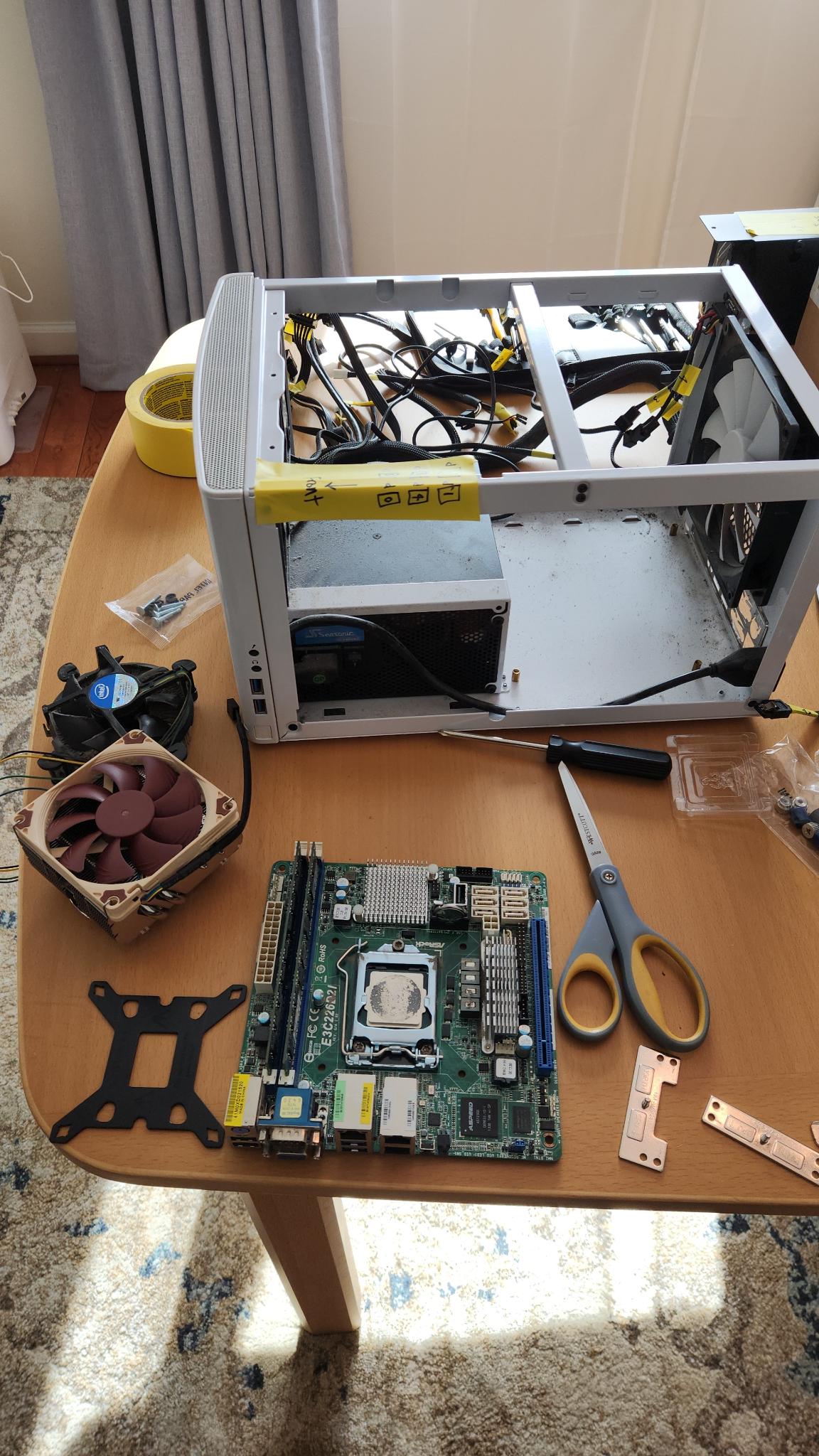
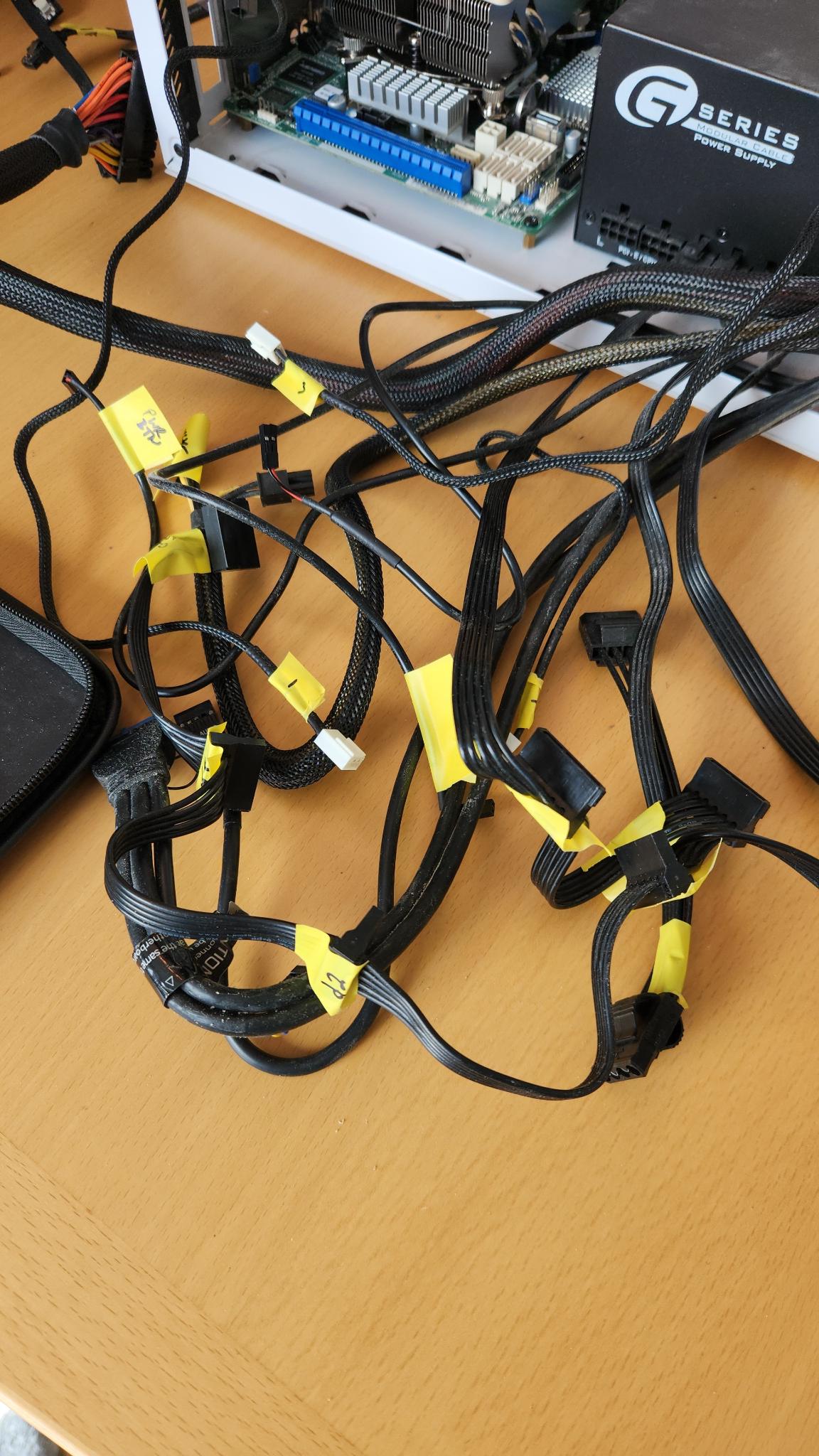
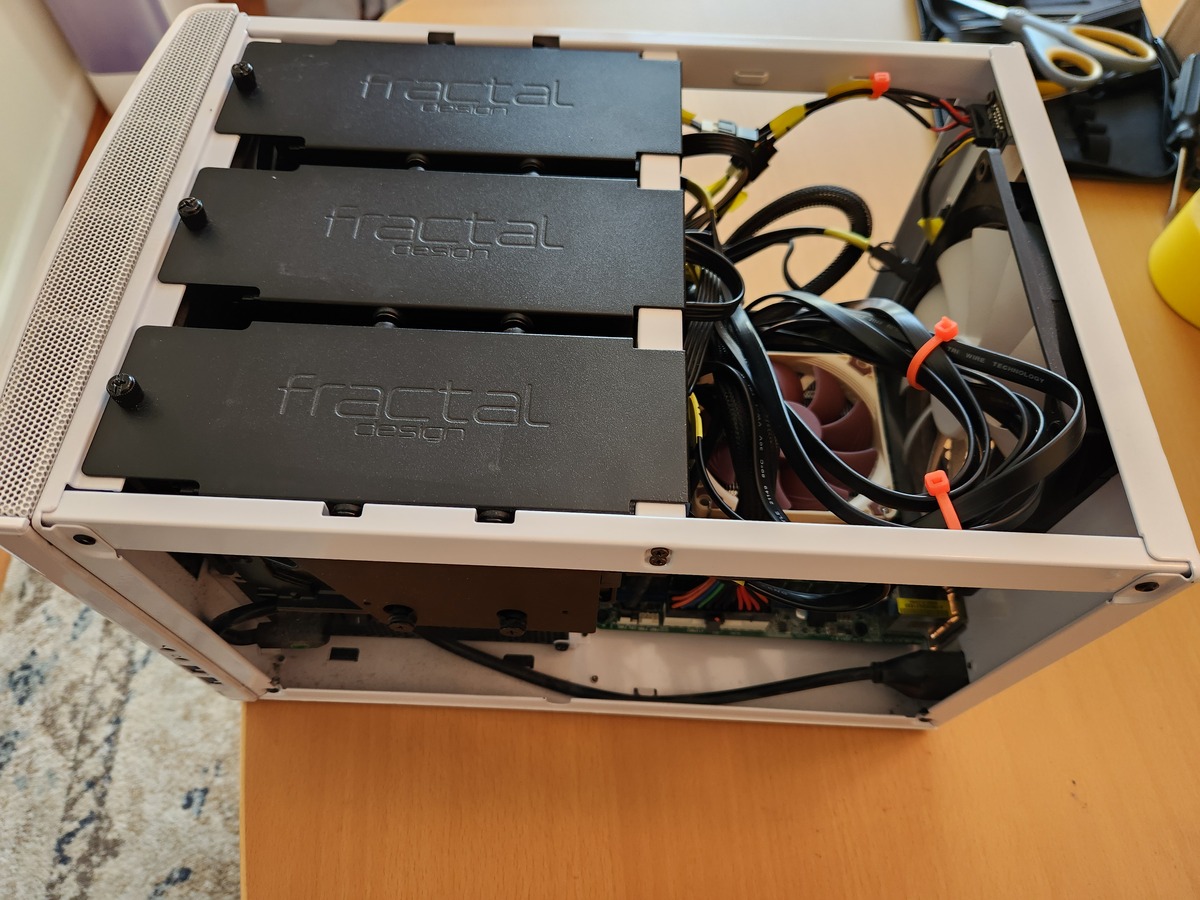
Now seems like as good a time as any to write down the details, history, and costs of this NAS, so here goes.
The Original 2014 Build
- Motherboard - ASRock E3C226D2I
- RAM - 2 x 8GB Kingston KVR16E11/8R ECC
- CPU - Intel Xeon E3-1230V3
- Internal Drives - 6 x 2TB Western Digital Red (configured for RaidZ2)
- External Drive - 1 x Seagate 5 TB USB (for an offsite copy of important files)
- Power Supply - Seasonic SSR-550RM 550W
- UPS - APC Back UPS BE750G
- Case - Fractal Node 304 White
- Boot Drive - USB stick
Total build cost, including tax and shipping, was $1494.
FreeNAS to TrueNAS
FreeNAS transitioned to TrueNAS in late 2020. I was hesitant to switch to a completely new NAS operating system, so I waited quite a while. Finally, in February 2022, I made the switch. While FreeNAS recommended booting off of a USB stick, TrueNAS needed to boot from an internal drive. My NAS already used all six SATA connectors on the motherboard, but I did have an open PCIe slot. I installed an M.2 NVME to PCIe adapter, added a Crucial NVME PCIe M.2 SSD, upgraded the motherboard firmware so that it would recognize the new drive, and installed TrueNAS on it.
- Boot Drive Adapter - M.2 NVME to PCIe 3.0
- Boot Drive - Crucial P2 250GB NVMe PCIe M.2 SSD - CT250P2SSD8
Total upgrade cost: $53.
UPS Battery
Batteries have a lifespan. In March 2022, the runtime mine would support during a power outage was getting less and less. I ordered a replacement on Amazon.
Here are pics of testing the old and new batteries:
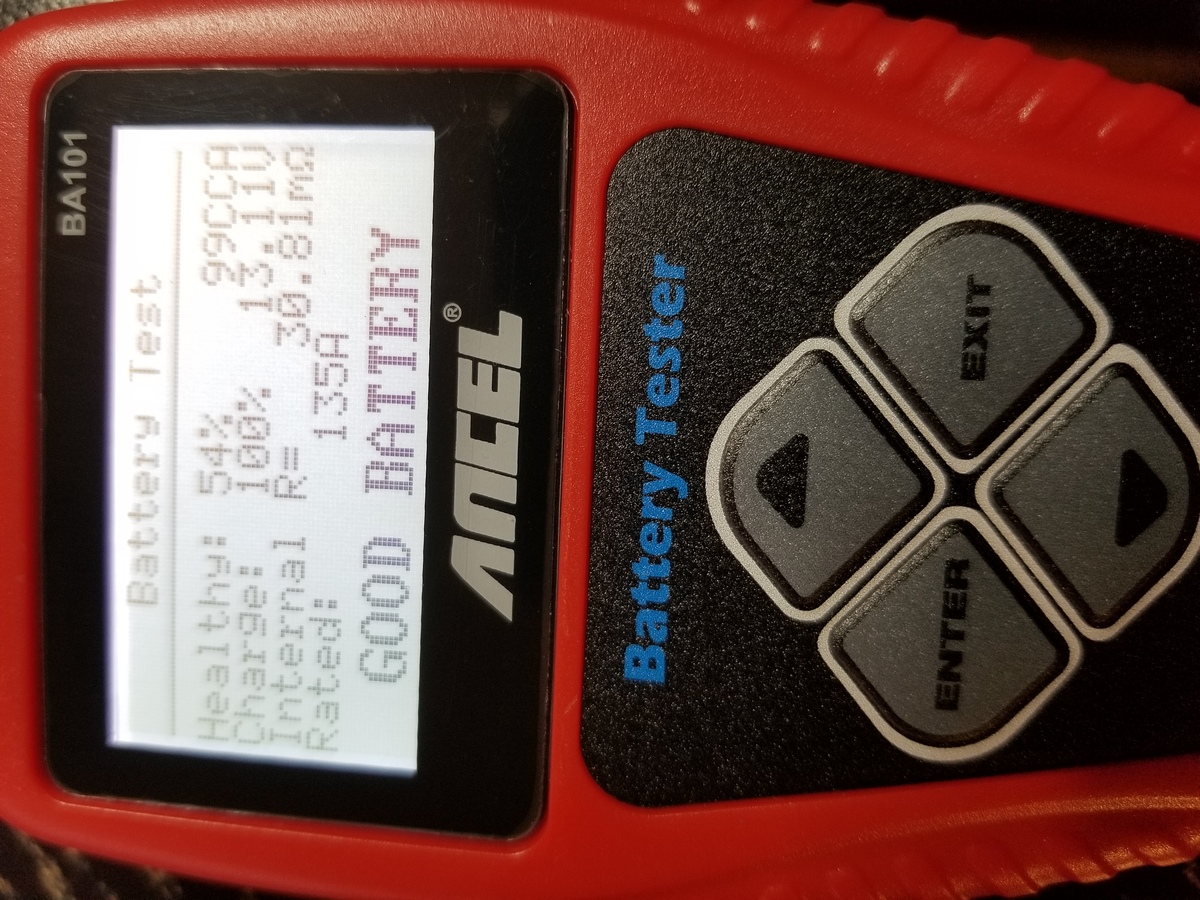
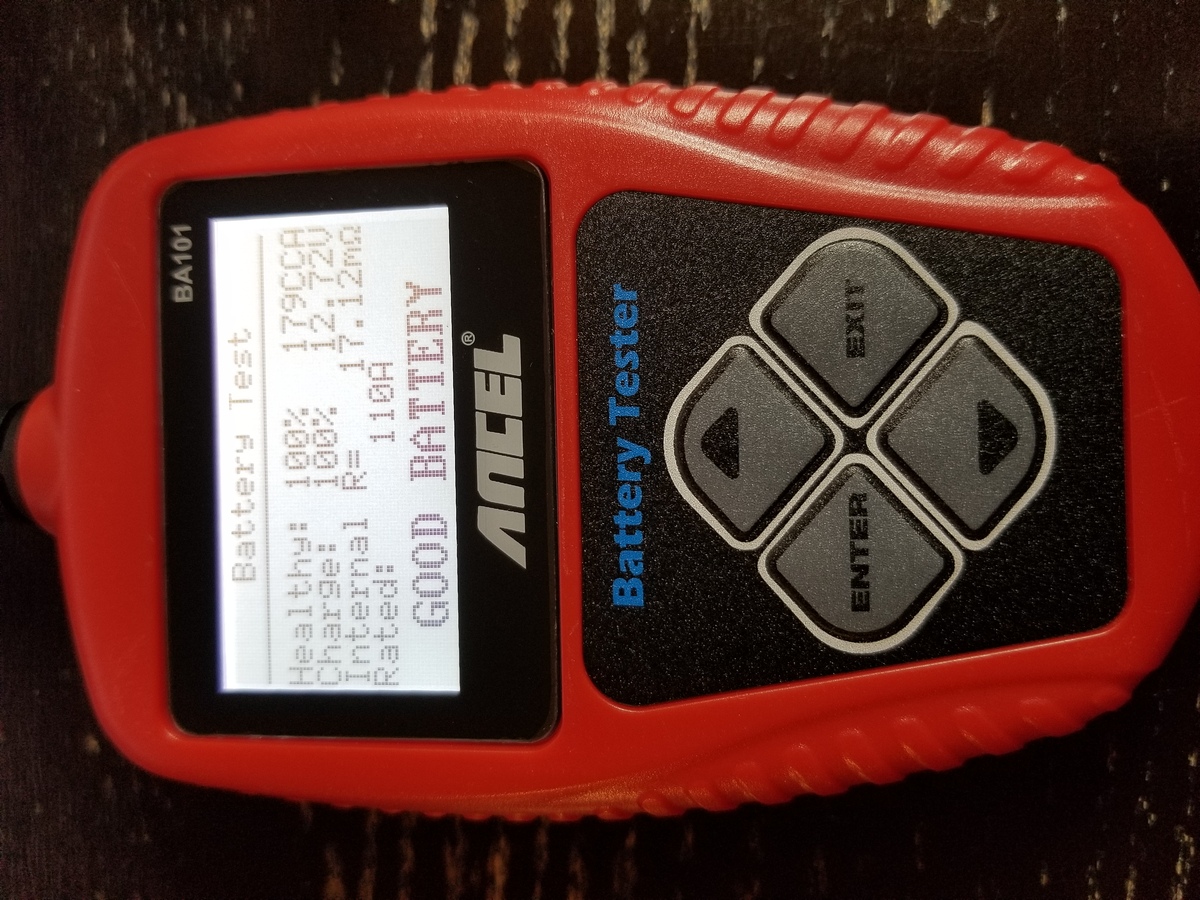
- UPS Battery - APC RBC17
Total replacement cost $43
More Storage
My storage pool reached 80% capacity in October 2024, and the original drives had high power-on hours anyway, so I upgraded to some new bigger drives. (I also built a Direct Attached Storage using the old drives, but that is an entirely different topic).
- Internal Drives - 6 x 4TB Seagate IronWolf (configured for RaidZ2)
Total upgrade cost: $604.14
Motherboard Battery
In December 2025, my NAS lost its brains. It booted needing a date input. The CMOS battery was done, and needed replacing. This was cheap and easy.
Total replacement cost: $5
CPU Fan
That brings us up-to-date. The CPU fan was kind of annoying because it required a tear-down to get to the back side of the motherboard.
- CPU cooler - Noctua NH-L9x65
Total replacement cost: $75.14
Conclusion
I'll keep this NAS for as long as possible. It serves my purposes well. My total cost to build and maintain so far has been around $2,274, which works out to about $15/month over twelve years. Not too bad.